Kiosk & Installation
Development
Touchscreen software for museums, visitor centers, and public spaces. Offline-first. Multilingual. Accessible.
I'm the technical build partner for creative agencies — from a single kiosk in a lobby to multi-station installations.
Your agency designs the experience.
I make it work in the real world.
Public installations fail in ways websites don't. No reliable network. Hardware constraints. Visitors of every language and ability. Content that staff need to edit without calling a developer. I've shipped against all of it, alongside the agency's design and content teams.
Case studies
Interactive Visitor Center Kiosk
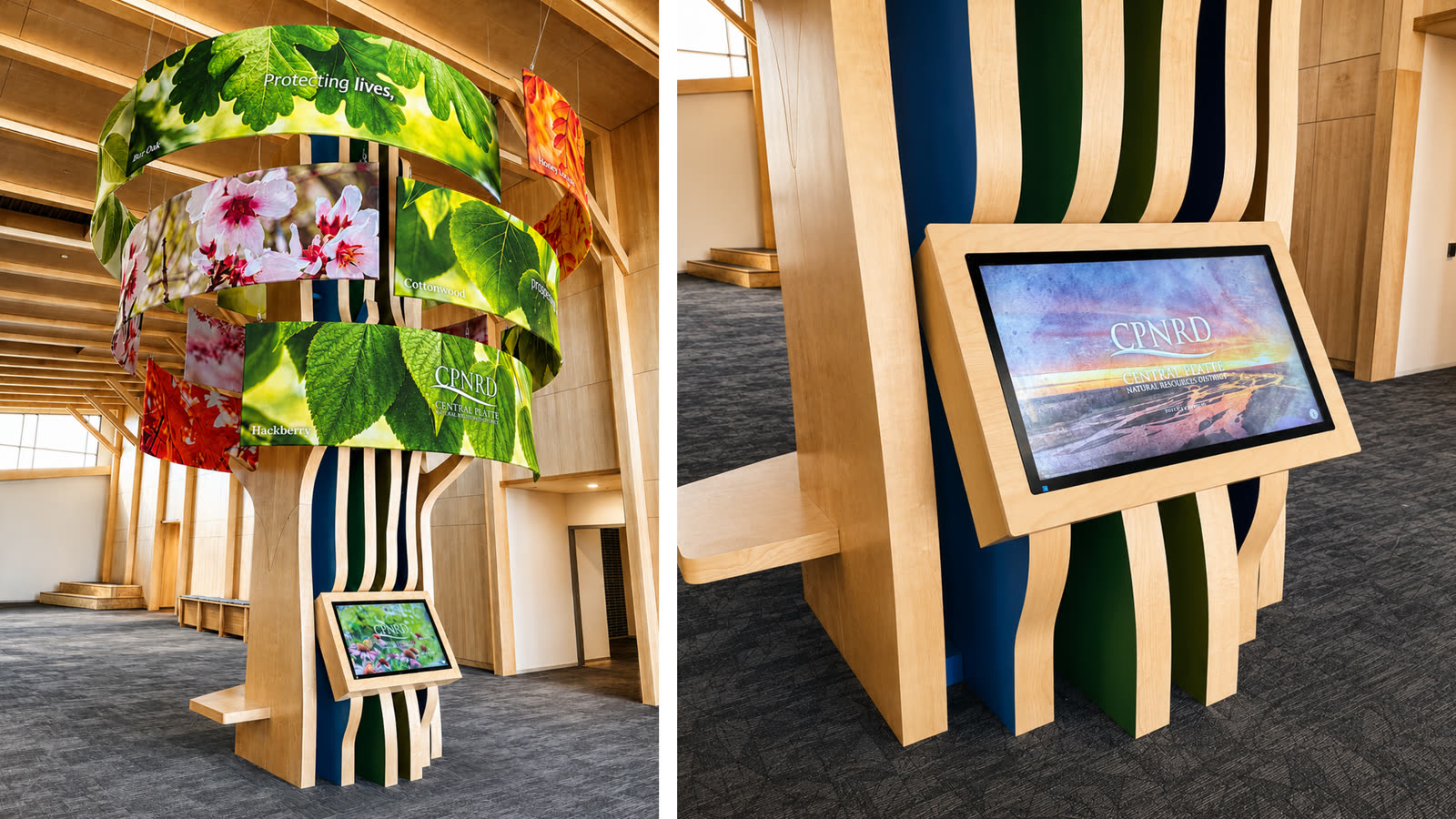
Touchscreen experience built into a sculptural tree · Design by McCullough Creative
The challenge
The centerpiece of CPNRD's visitor space is a sculptural wooden tree with a touchscreen built directly into its trunk. The interactive had to live up to that setting: matching the exhibit's hand-painted watercolor aesthetic in motion, guiding visitors with very different interests to the right content, and running unattended in a public lobby — while still reporting how visitors actually use it.
The solution
I built a native kiosk app paired with a cloud CMS: staff update content remotely, the kiosk runs fully offline. A custom watercolor animation engine carries McCullough Creative's hand-painted style into every interaction — ink-wash blooms on each screen, a watercolor finale to close each session. Visitor analytics sync to the cloud when a connection is available, with an on-device dashboard as fallback.
Key features
150th Anniversary Interactive Kiosk System
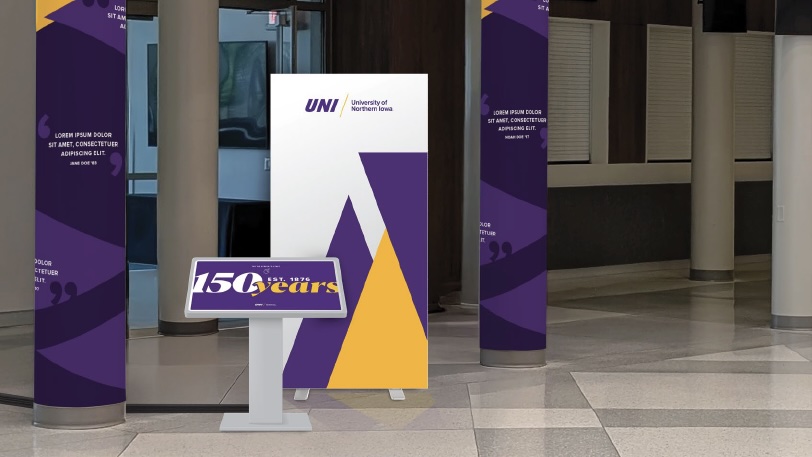
Multi-kiosk installation celebrating 150 years of university history · Design by McCullough Creative
The challenge
The university needed touchscreen kiosks that run reliably offline in public spaces, with content staff could update remotely through a CMS they already knew.
The solution
I built a system where content editors manage everything through WordPress and Elementor — tools they already know. Behind the scenes, a custom pipeline automatically generates static versions of the content. Each kiosk runs a custom Electron application on Mac Minis with touch screens, syncing the latest content whenever a network connection is available and serving it locally when it's not.
Key features
Multilingual Tablet Experience
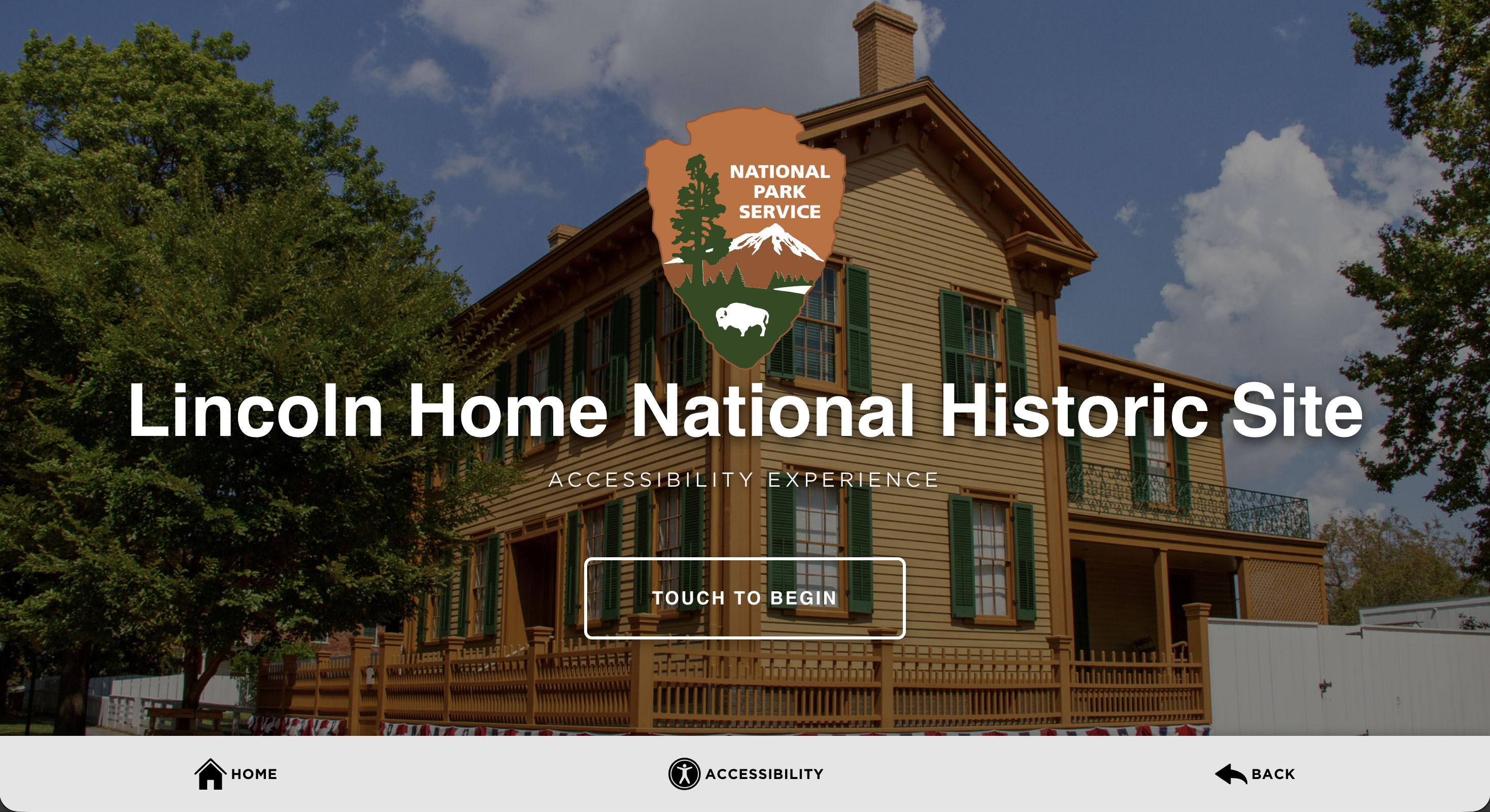
Guided interactive experience in 12 languages for a National Historic Site
The challenge
A historic site needed a tablet-based guided experience accessible to diverse visitors in multiple languages — including full audio narration and video — without relying on expensive ongoing translation subscriptions or constant network access.
The solution
A React PWA installed on iPads. When editors change a paragraph, the build pipeline detects it and re-translates only that node into all 12 languages, generates audio narration for each, and switches video tracks to match the visitor's language — including right-to-left support for Arabic. No translation subscriptions, no ongoing costs.
Key features
Recent work
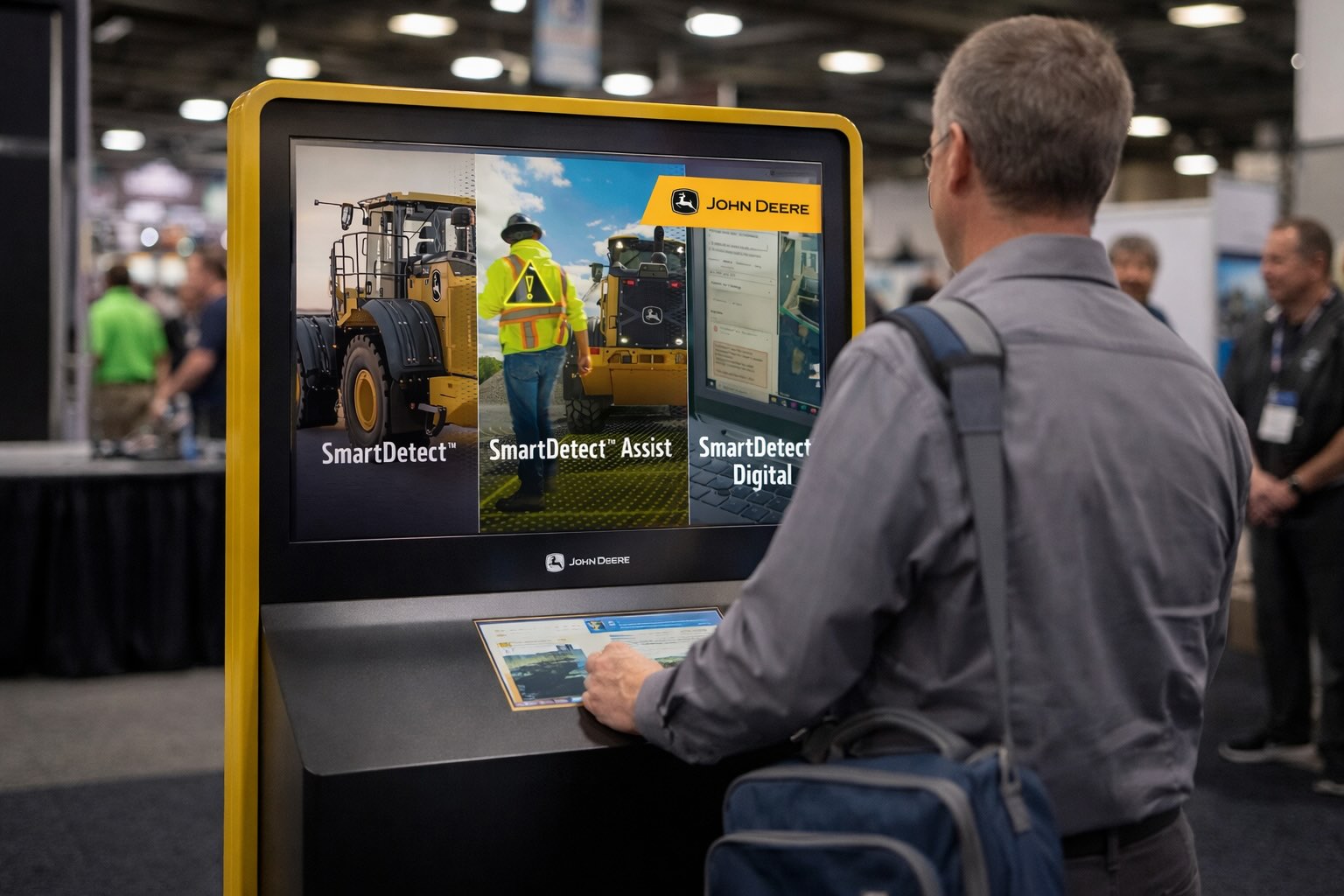
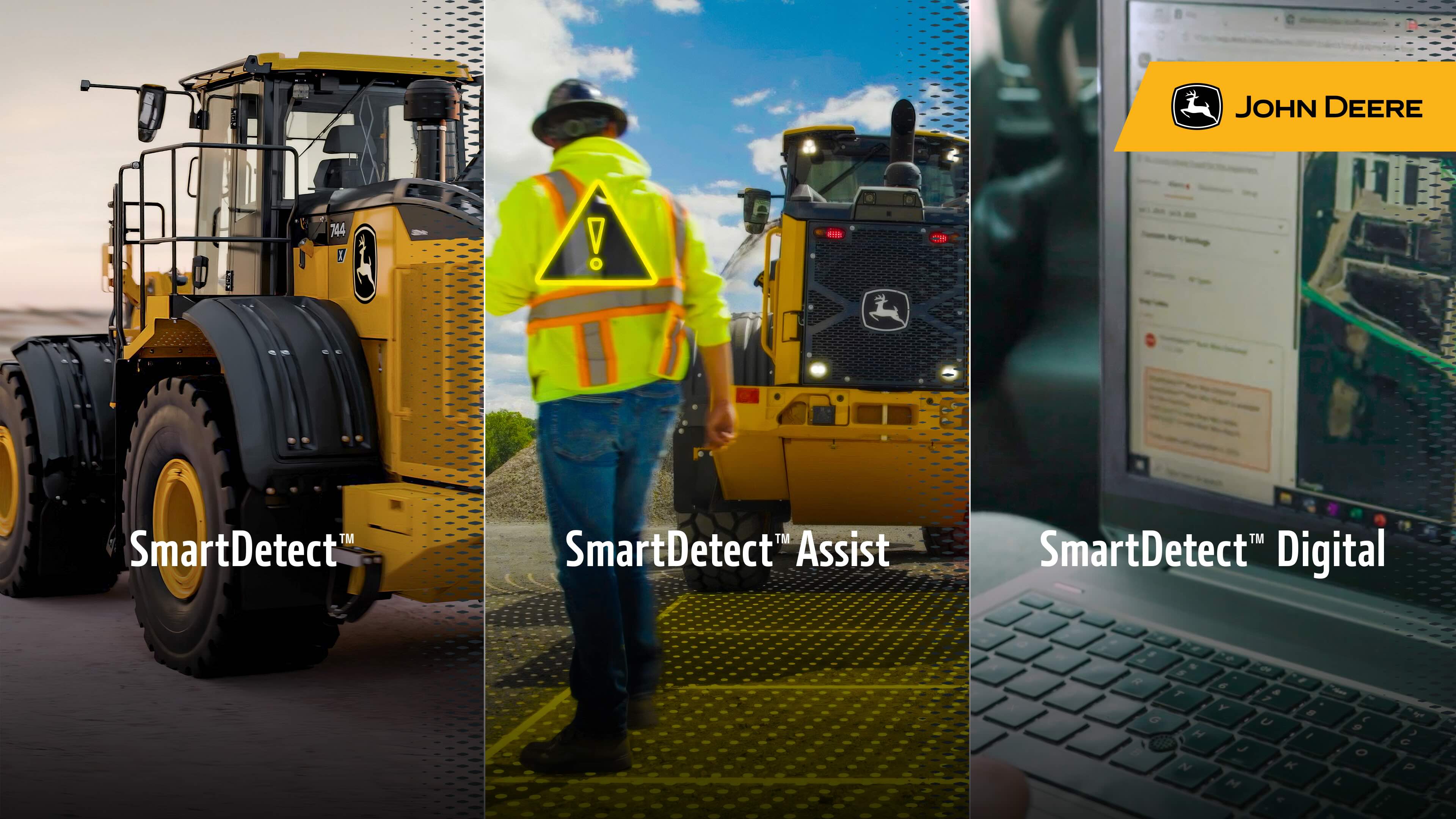
John Deere SmartDetect™ Kiosk Interface
SmartDetect™ Trade Show Kiosk
Touch-screen kiosk built for John Deere's ConExpo 2026 booth. Three-panel product showcase for the SmartDetect safety technology suite, designed for high-traffic trade show environments.
Technical capabilities
Every installation has different constraints. This is the standing toolkit.
Offline-First Architecture
Kiosks and tablets that run without a network. Content syncs when connectivity returns.
Remote CMS Integration
Non-technical staff update content through WordPress, Elementor, or custom admin panels. Changes propagate to all devices automatically.
Full Accessibility
WCAG-compliant interfaces with adjustable contrast, font sizing, dyslexia-friendly fonts, and custom screen reader implementations.
Multilingual Systems
Automated AI translation pipelines that handle text, audio narration, and video tracks across any number of languages.
Cross-Platform & Native
Native WinUI 3 and WPF when kiosk hardware demands raw performance, multi-display support, or tight OS integration — plus Electron for Mac/Windows, PWAs for tablets, and React Native for mobile.
AI-Powered Audio
Automated narration generation in multiple languages, integrated with custom screen reader modes and on-screen highlighting.
Built for agency partnerships
You own the client relationship, creative direction, and content. I build the technical layer and make sure it holds up in the field. Fifteen years of agency work, 150+ projects, for clients including Cisco, Dell, Discover Atlanta, and the University of Northern Iowa.
You design
Your team creates the visual design, content strategy, and user experience. I consult on technical feasibility.
I build
I develop the full technical layer — kiosk applications, CMS integrations, accessibility, multilingual pipelines, offline sync.
It just works
Your client gets a reliable, accessible installation their staff can manage. No ongoing technical support needed.
Working on an installation?
Early planning or approved designs — either is a fine time to talk.
Or email me directly:
[email protected]